

Draw the connections before hiding them
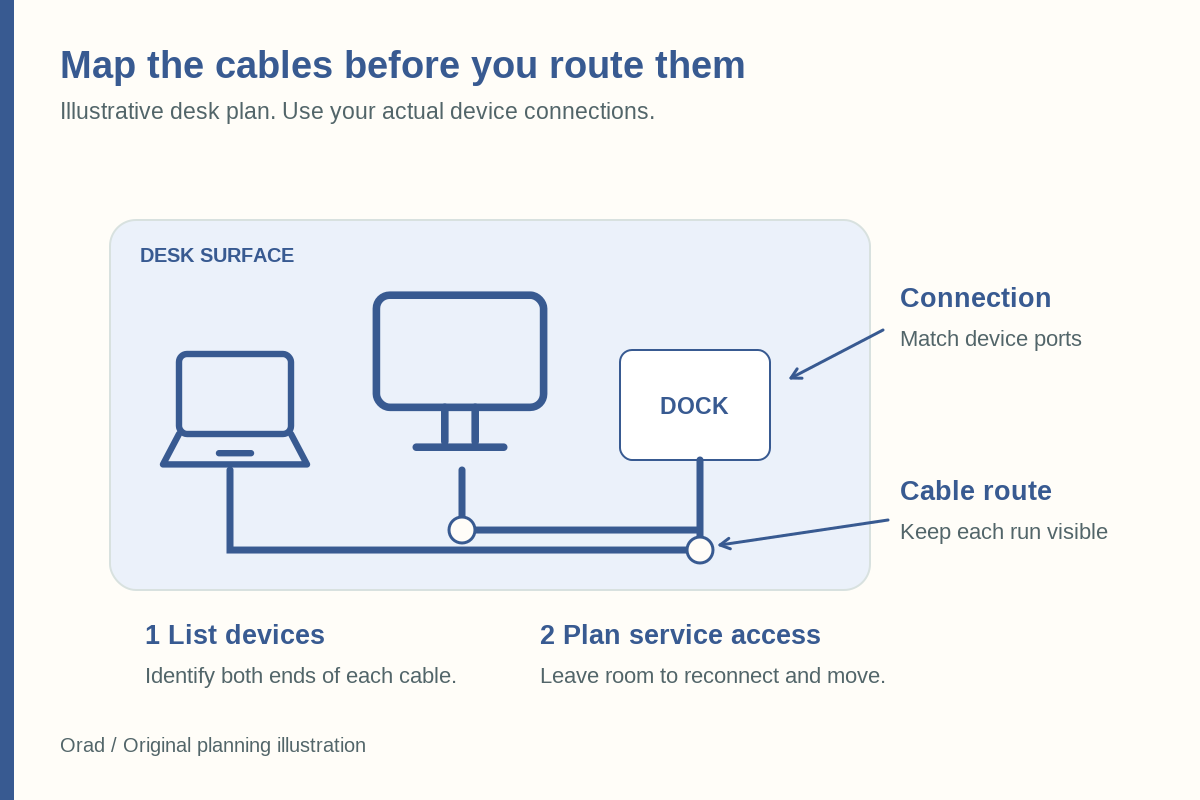
List each device, the port it uses and whether it stays on the desk or travels. This separates permanent connections from cables that need to be reached every day. A tidy-looking bundle can be inconvenient if the laptop charger is trapped behind everything else.
Sketch the desk from above and mark the real positions of devices and outlets. Work with existing power arrangements and manufacturer instructions. This guide is about physical organization; it does not specify electrical installation, circuit capacity or which adapters can safely power a device.
Measure the route, not the straight line
Use a piece of string to follow the intended route around the desk edge or organizer. Include the movement you actually need when a laptop is pulled forward or a monitor is repositioned. Avoid assuming that the shortest cable will be the most useful.
Write down the measured route and compare it with the cable you own. Do not put tension on connectors or compress cables to make a diagram look neat. Respect the product’s instructions about bends, ventilation and mounting.
Create two practical zones
Keep a service zone for connections you rarely change and a reach zone for the connections you use frequently. This is a planning distinction, not a requirement to buy two organizers. A clear path along an existing desk edge may solve the problem.
Label both ends of a cable with the same short name when several look alike. Use a label that identifies its job, such as “desk monitor”, rather than a guessed charging or data capability. Similar-looking connectors do not establish that cables have identical functions.
Test the desk in use
- Sit down and complete the routine that creates the most cable movement.
- Disconnect the traveling device without disturbing fixed equipment.
- Open drawers and check chair movement along the route.
- Confirm that equipment vents and controls remain accessible.
- Keep an unused cable only if its purpose can be identified; place uncertain items in a separate review pouch.
Connection map
| Device | Connection / destination | Route measured | Fixed or daily access |
|---|---|---|---|
| Laptop | Your verified compatible charger | Measure the actual route | Daily |
| Monitor | Computer / power as specified | Measure the actual route | Usually fixed |
| Accessory | Record the actual port | Measure the actual route | Choose for your routine |
Put the plan to work
Use your own information to make a practical next step.
Open the planning worksheetSources and review
This guide is an original planning resource. Its worksheets and examples are organizational aids, not a report of product testing or verified customer results.
An original organizational worksheet and workflow. Examples are illustrative, not reports of customer results.
How these guides are prepared